
Loading...
Loading...
Templates allow you to quickly create professional dashboards without starting from scratch. You can leverage existing configurations created by other users or yourself, saving time and ensuring best practices.
Get a fully configured dashboard in seconds
Use configurations tested by other users
Learn from expert dashboard designs
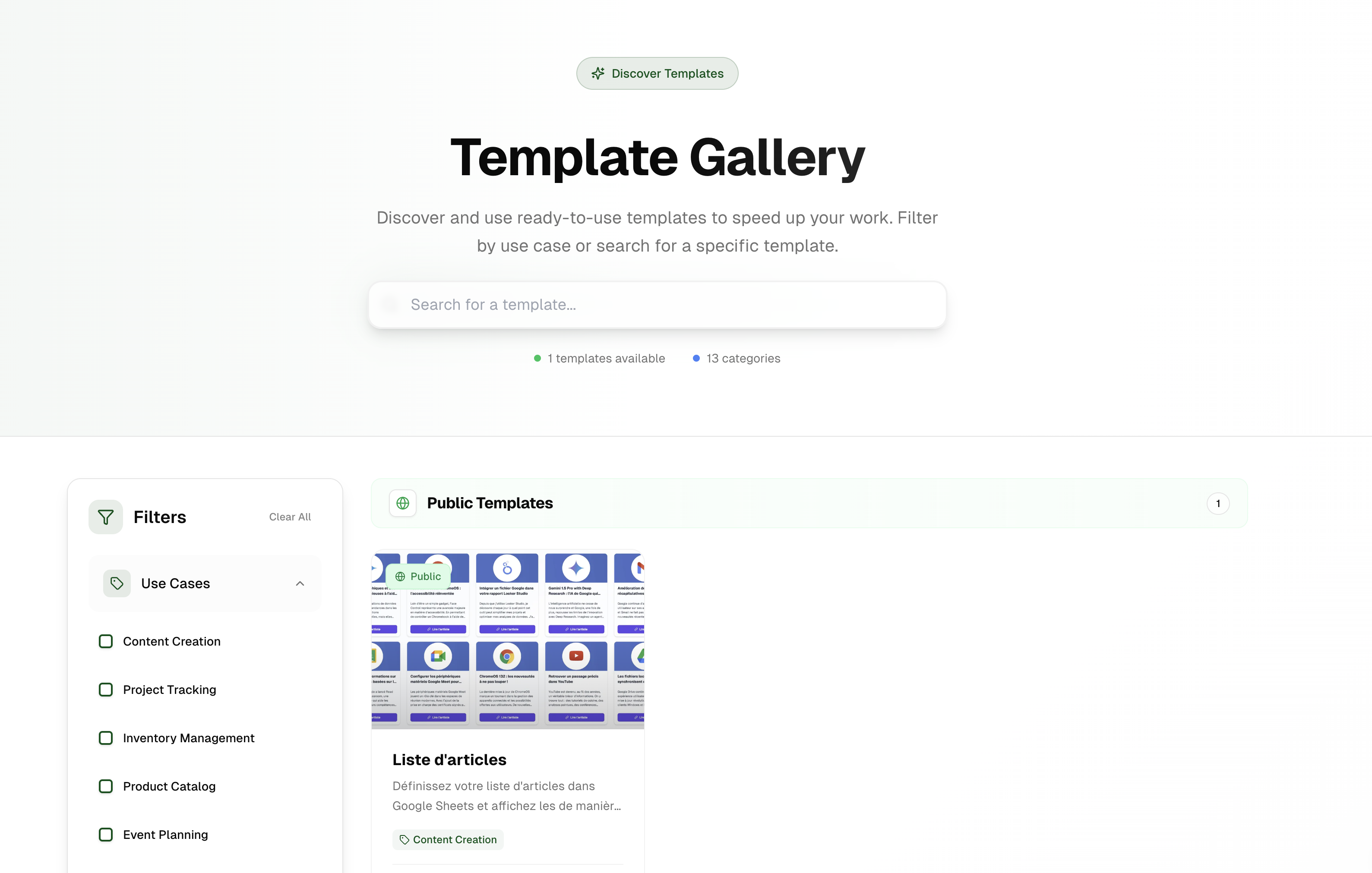
Search for specific template types or keywords
Use the sidebar to filter by use case, visibility, or other criteria
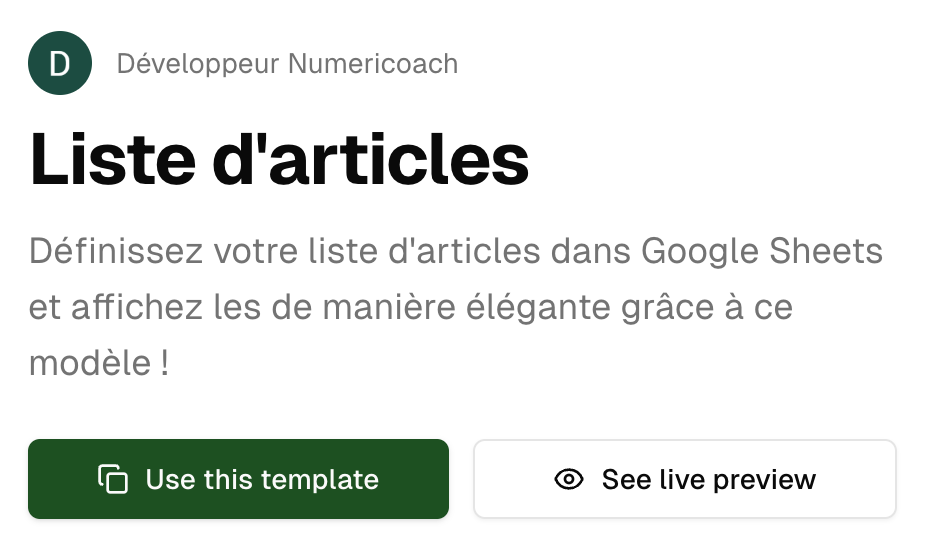
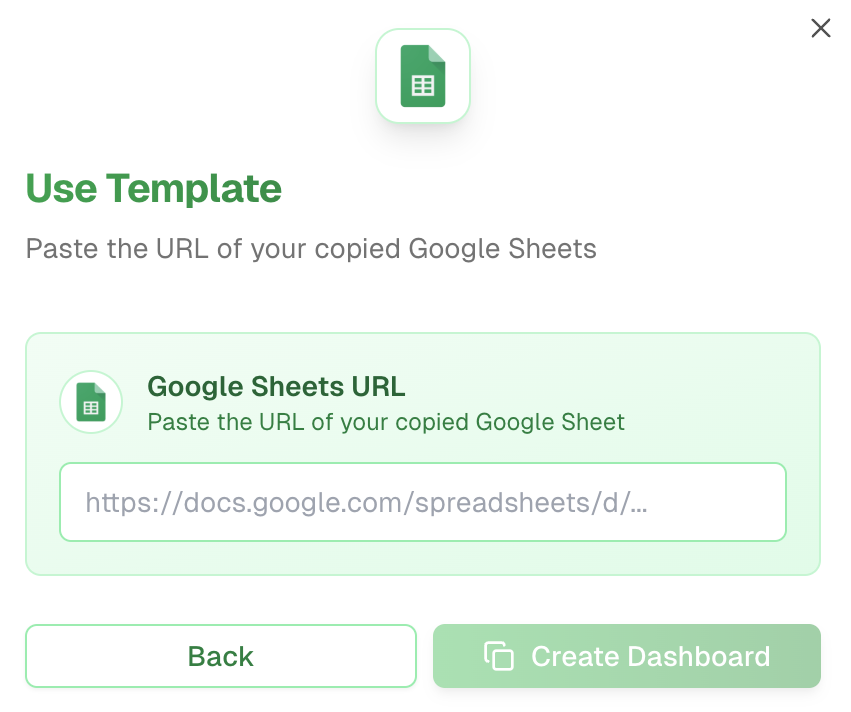
The template's Google Sheets will open in a new browser tab by clicking on the first step button
Make sure to create your own copy so you can edit the data with your own information
Templates shared within your organization, tailored to your company's specific needs and branding.
Templates shared by the Boardly community, covering various industries and use cases.
After creating your dashboard from a template, you can customize it further by adding your own filters, changing colors, or modifying the layout to better match your specific needs.
Voilà, you've successfully created a dashboard using a template! You now have a professional dashboard with proven configuration that you can customize with your own data.
You're using a proven dashboard design
Now you can add your own data and modifications