
Loading...
Loading...

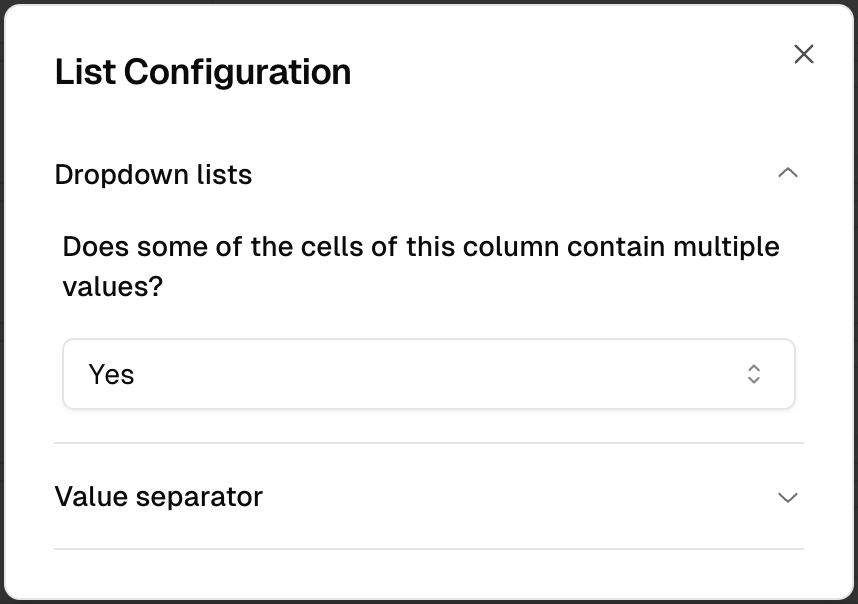
For certain data types like dropdowns, you can enable the "multiple values" option and choose your preferred separator:
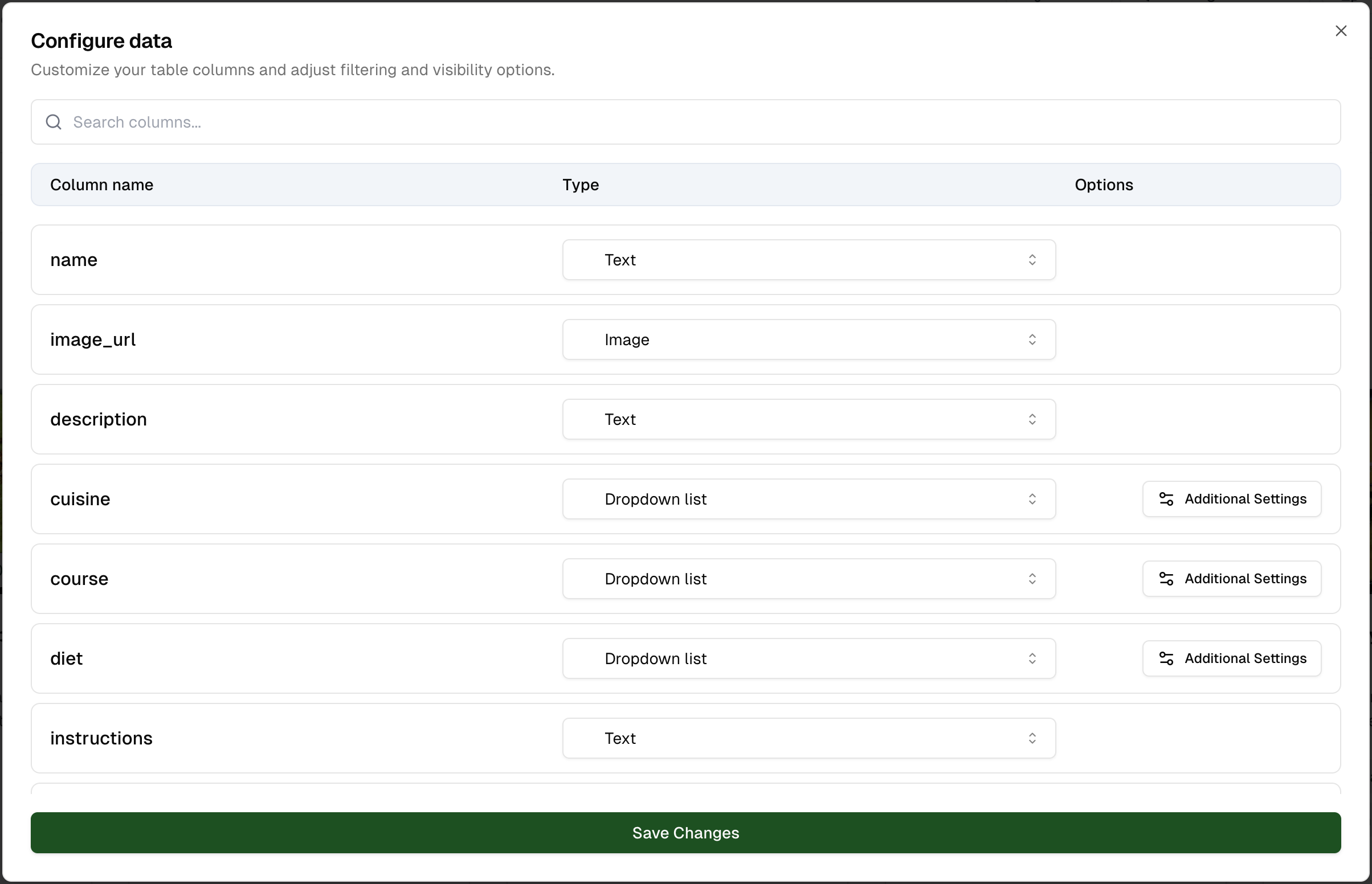
Use the search bar to quickly find a specific column, particularly useful if you have many columns in your table.
The choice of data type for each column has important implications:
Take time to carefully define column types. A wise choice will significantly improve your user experience and data quality.
For "Dropdown" type columns, you have additional options:
Modifying data types can affect existing filters and visualizations. Make sure to check and adjust your configurations after modifying column types.