
Loading...
Loading...
You must have administrator rights to modify user roles. If you do not have these rights, contact the main administrator of your Boardly account.
For more details, see our guide on the global company view.
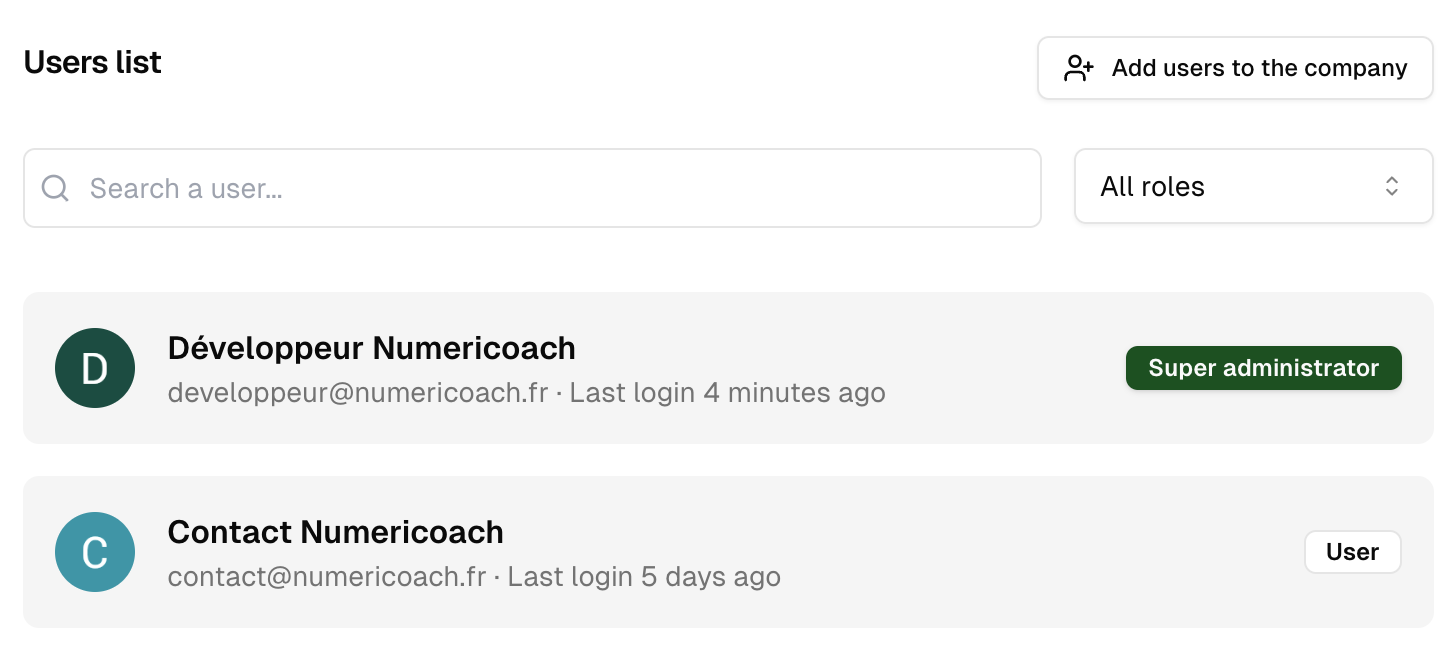
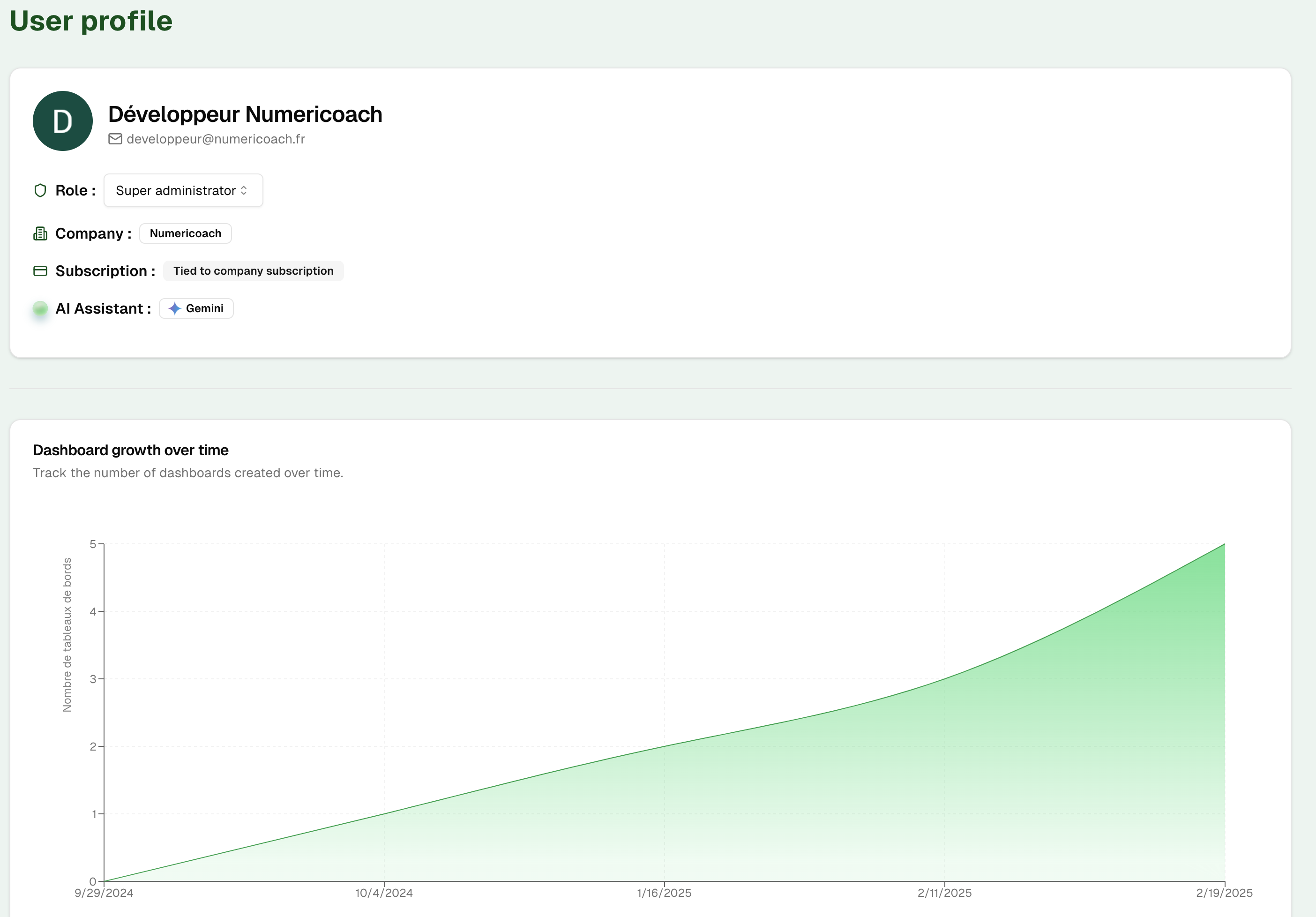
Make sure to assign appropriate roles based on each user's responsibilities. A role that is too restrictive can limit productivity, while a role that is too permissive can pose security risks.
Modifying a user's role can have a significant impact on their access to data and Boardly features. Make sure you understand the implications before proceeding with any changes.