
Loading...
Loading...
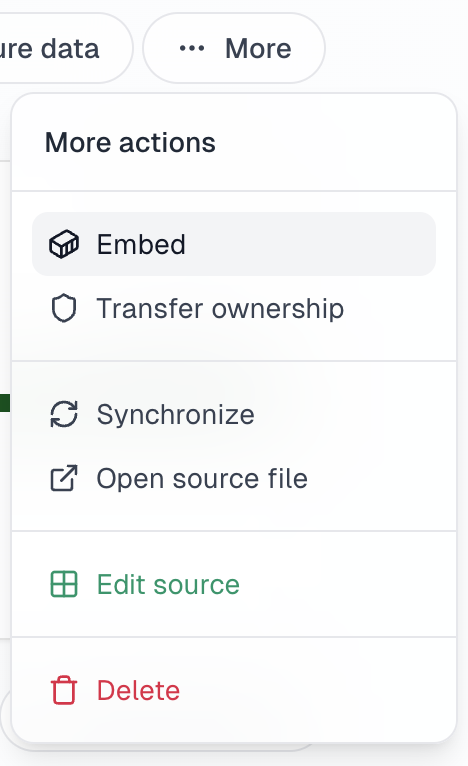
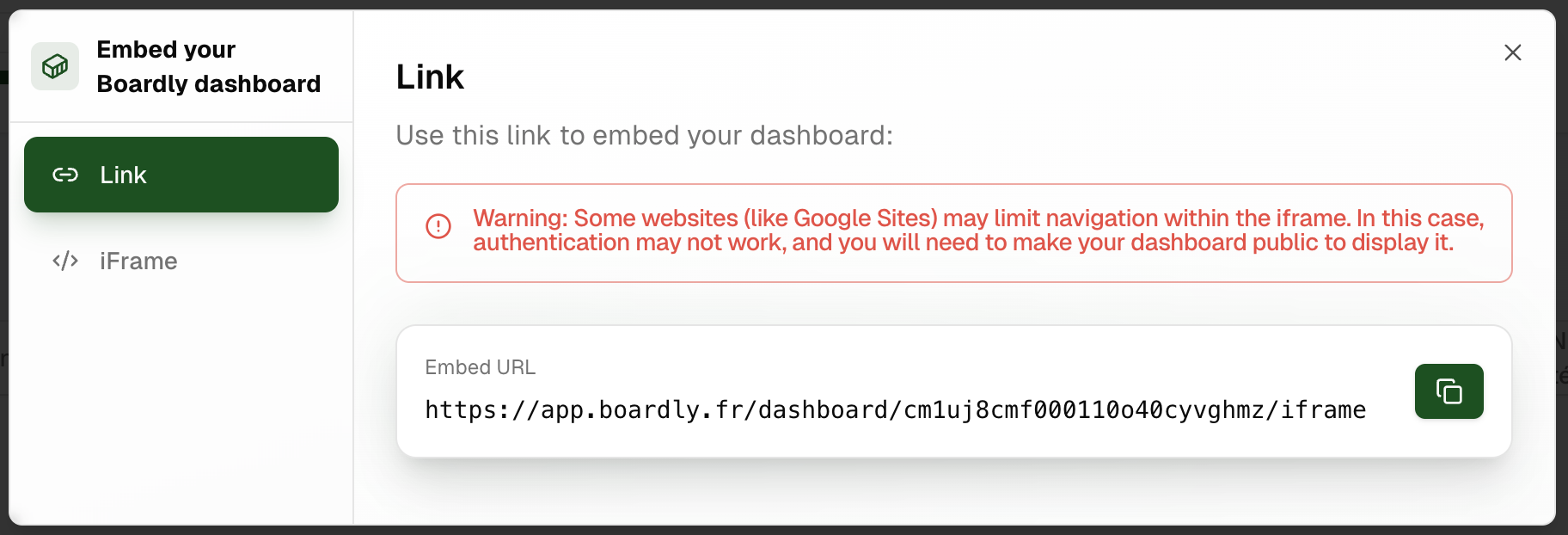
Perfect for quick integration, especially in tools like Google Sites.
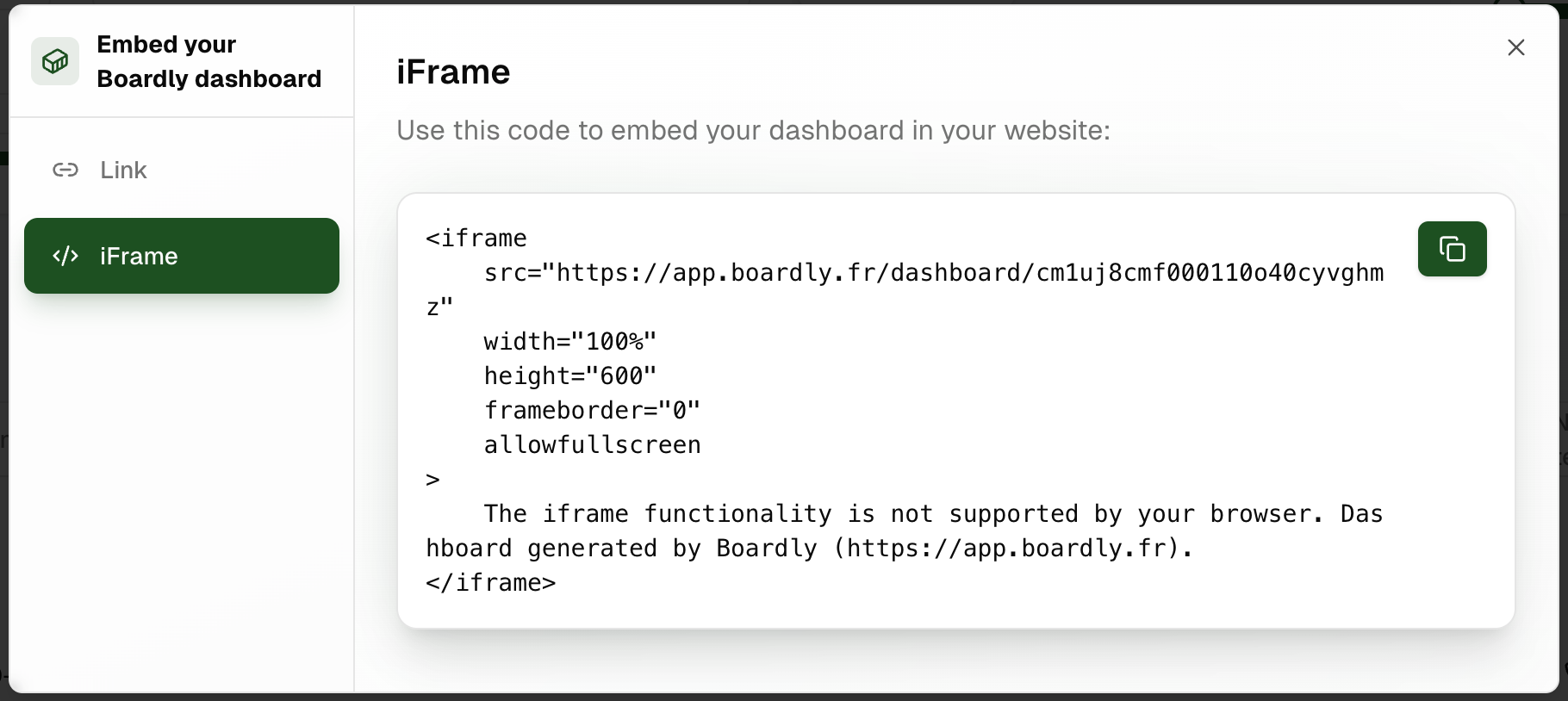
For more customized integration in your own HTML code.
Learn how to set up default filters and control filter visibility for your embedded dashboard
You can pre-configure which data appears in your dashboard by setting default filters:
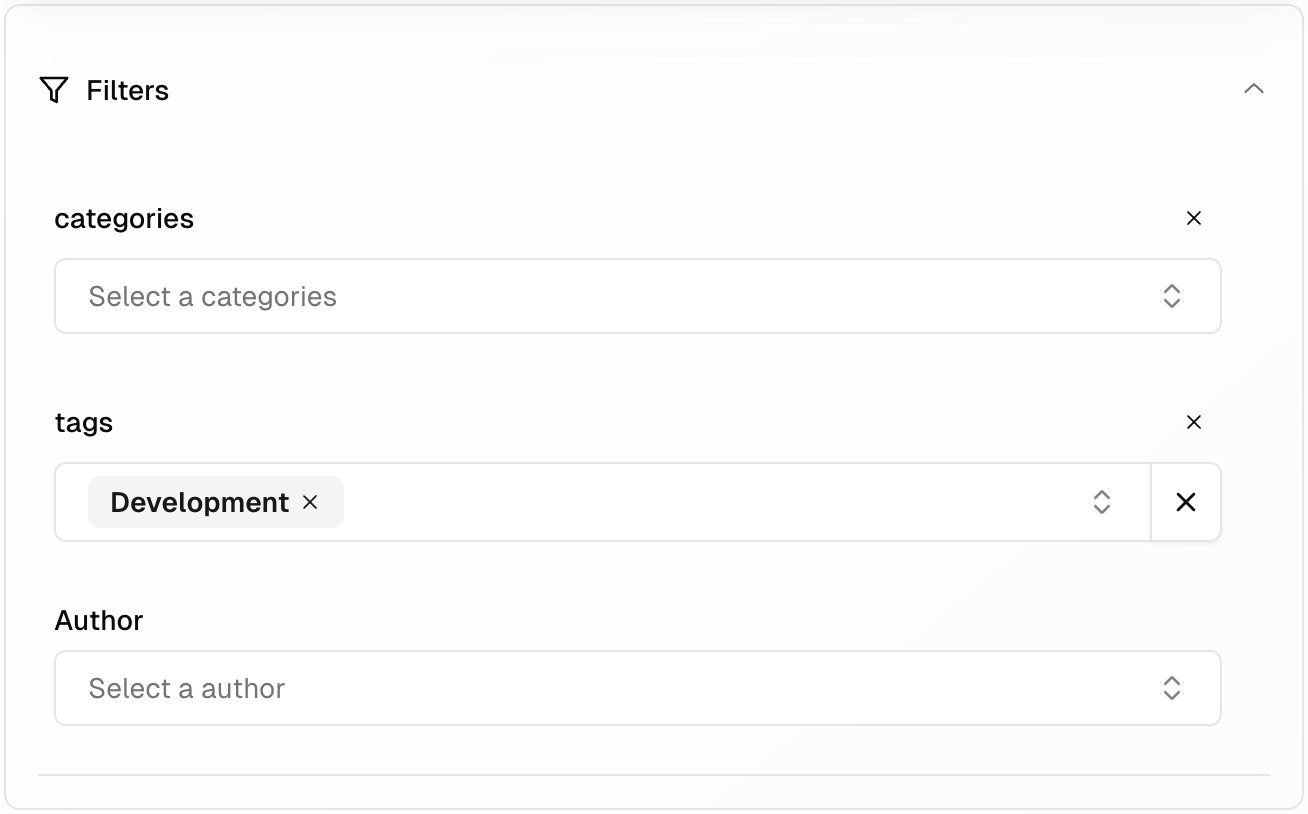
You can prevent users from modifying filters by hiding the filter bar:

Users won't be able to see the filter bar when filters are locked, ensuring they see exactly the data you've configured
Some websites (like Google Sites) may limit iframe navigation. In this case, authentication might not work, and you'll need to make your dashboard public to display it.
If you encounter display or authentication issues, try making your dashboard public first. If the problem persists, contact Boardly support for assistance.